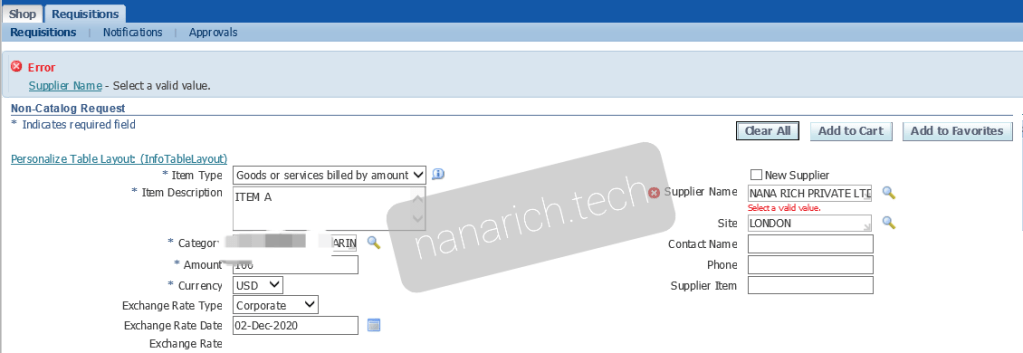
This issue happened when user try to add a requistion to cart.
Error : select a valid value. After click on add to cart
I noticed for other requisitions do not have this issue. Only for this supplier.
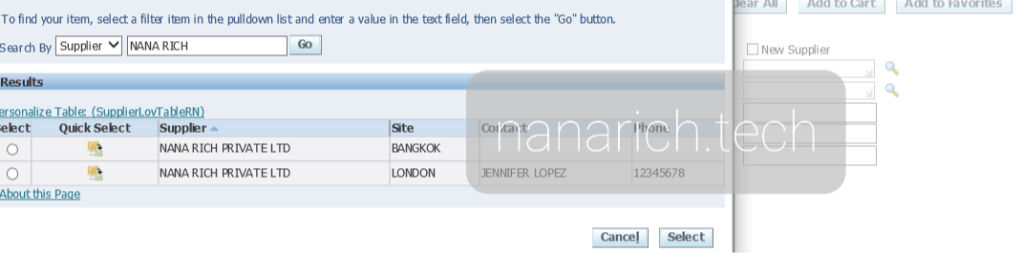
Note that this supplier has 2 supplier sites. Issue resolved by this solution:
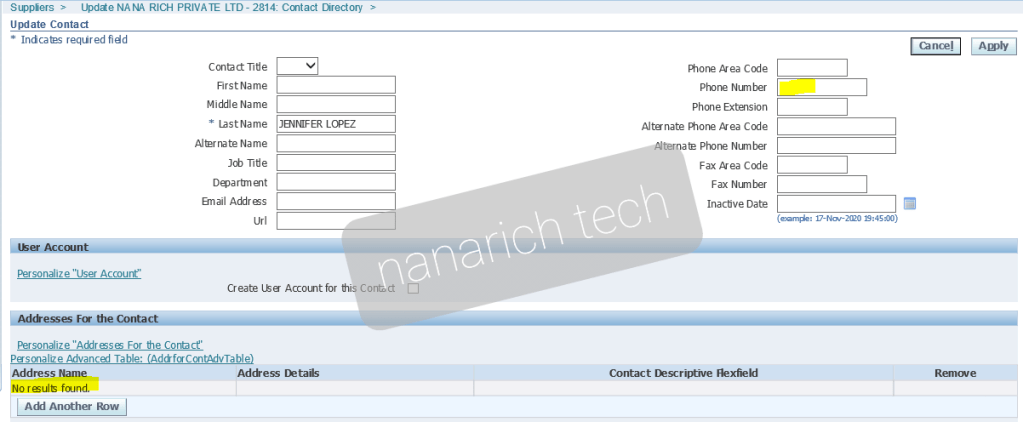
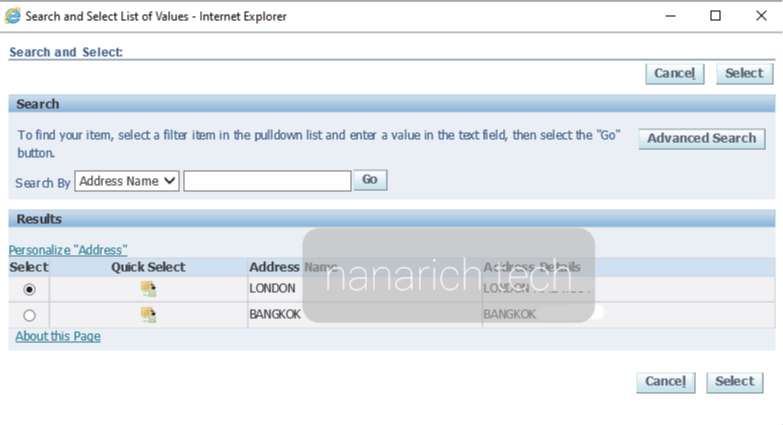
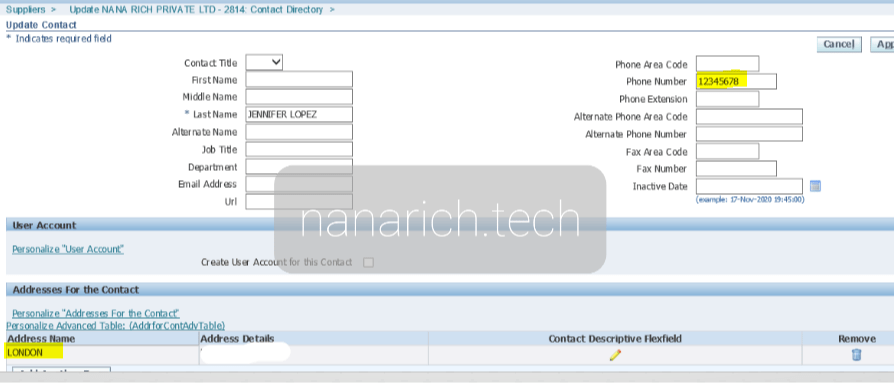
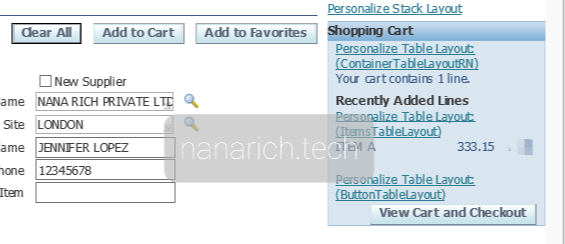
1. Go to supplier page search for supplier and choose Contact Directory2. Click on update3. Click on add another row to update on address4. Choose address and click select5. Enter Phone Number and click apply6. Go back to Requisition Page, select supplier with desire supplier site.7. Add to cart8. Item is sucessfully add to card without error
Hope this will help those who face similliar issue.



 NANA RICH TECH